 ichael Ouroumis
MCP (Model Context Protocol) Explained for Developers
Why MCP Exists
Before MCP, connecting an AI assistant to external tools meant building custom integrations for every combination of AI system and tool. Want your AI to query a database? Custom integration. Want it to read your GitHub issues? Another custom integration. Want both to work in Cursor, in Claude Desktop, and in your own application? Three separate implementations.
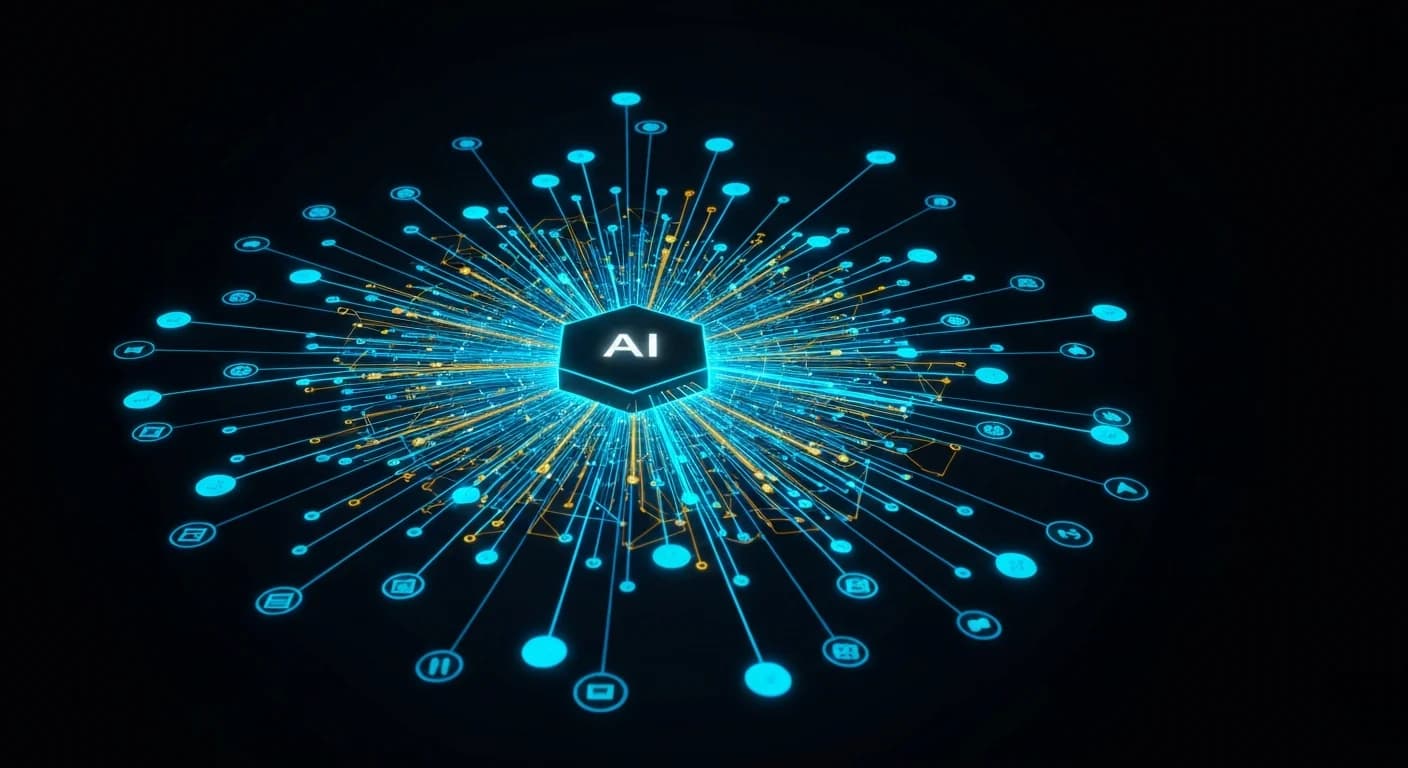
MCP solves this with a protocol: a standard way for AI applications (clients) to communicate with tool providers (servers). Build an MCP server for your database once, and it works with every MCP-compatible AI client. This is the same design philosophy as USB — one standard interface, many compatible devices.
The Core Architecture
MCP uses a client-server model over a local transport (typically stdio or HTTP with SSE). Here are the key components:
MCP Host — The application your users interact with. Claude Desktop, Cursor, and your own AI-powered app can all be MCP hosts.
MCP Client — Built into the host, it manages the connection to MCP servers and coordinates which server handles which requests.
MCP Server — A process that exposes capabilities (tools, resources, or prompts) through the MCP protocol. This is what you build when you want to give an AI system access to your systems.
Transport — How the client and server communicate. Locally, this is usually stdio. Over a network, it is HTTP with Server-Sent Events.
The Three Primitives
MCP exposes three types of capabilities:
Tools
Tools are functions the AI can call. They have a name, a description, and an input schema. When the AI decides it needs to use a tool, it sends a tools/call request with the tool name and arguments. Your server executes the function and returns the result.
// Example: a simple database query tool
{
  name: "query_database",
  description: "Run a read-only SQL query against the production database",
  inputSchema: {
    type: "object",
    properties: {
      query: {
        type: "string",
        description: "The SQL query to execute"
      }
    },
    required: ["query"]
  }
}
The AI reads the description to understand when to use the tool and how to construct valid arguments. Clear, specific descriptions are critical — this is where your engineering effort has the most impact on AI behavior.
Resources
Resources are data sources the AI can read. Unlike tools, resources are not functions — they are content (text, files, structured data) exposed at a URI. The AI can list available resources and read specific ones.
Use resources when you want the AI to have access to reference data: documentation, configuration, files, or context that it should be able to consult.
Prompts
Prompts are reusable prompt templates that users can invoke. They can accept arguments and return a structured prompt that the AI uses as a starting point. This is useful for standardizing how users initiate common workflows.
Building Your First MCP Server
The official TypeScript SDK makes this straightforward. Here is the minimum viable MCP server:
import { McpServer } from "@modelcontextprotocol/sdk/server/mcp.js";
import { StdioServerTransport } from "@modelcontextprotocol/sdk/server/stdio.js";
import { z } from "zod";

const server = new McpServer({
  name: "my-server",
  version: "1.0.0",
});

// Register a tool
server.tool(
  "get_current_time",
  "Returns the current UTC time",
  {},
  async () => {
    return {
      content: [
        {
          type: "text",
          text: new Date().toISOString(),
        },
      ],
    };
  }
);

// Start the server
const transport = new StdioServerTransport();
await server.connect(transport);
Connect this to Claude Desktop by adding it to your claude_desktop_config.json:
{
  "mcpServers": {
    "my-server": {
      "command": "node",
      "args": ["/path/to/your/server/index.js"]
    }
  }
}
Restart Claude Desktop and the tool is available in every conversation.
Real-World Use Cases Worth Building
Internal knowledge base: Connect your team's Notion, Confluence, or custom documentation to an AI assistant so it can answer questions with up-to-date internal context.
Database access: Give your AI assistant read access to production analytics data so you can ask questions in natural language instead of writing SQL queries.
GitHub integration: Expose issues, PRs, and CI status as MCP tools so your AI coding assistant can check the state of your repo without leaving the editor.
Monitoring and alerting: Connect your observability stack so you can ask "why did error rates spike yesterday" and get an answer grounded in actual metrics data.
What to Think About Before Building
Authorization. If your MCP server exposes sensitive data, you need authentication at the server level. The protocol supports OAuth; do not skip this for anything connected to production systems.
Tool description quality. The AI uses tool descriptions to decide when and how to use them. Invest time in writing precise, accurate descriptions with clear examples of when each tool should be used.
Error handling. Tools should return structured errors that the AI can interpret and communicate to the user, not raw stack traces.
Scope. The more tools you expose, the more complex the AI's decision-making about which to use. Start with a focused set of high-value tools rather than exposing everything.
MCP is one of those protocols that rewards time spent understanding the underlying model. Once you see how clients and servers interact, the right architecture for your use case becomes much clearer.